
Description
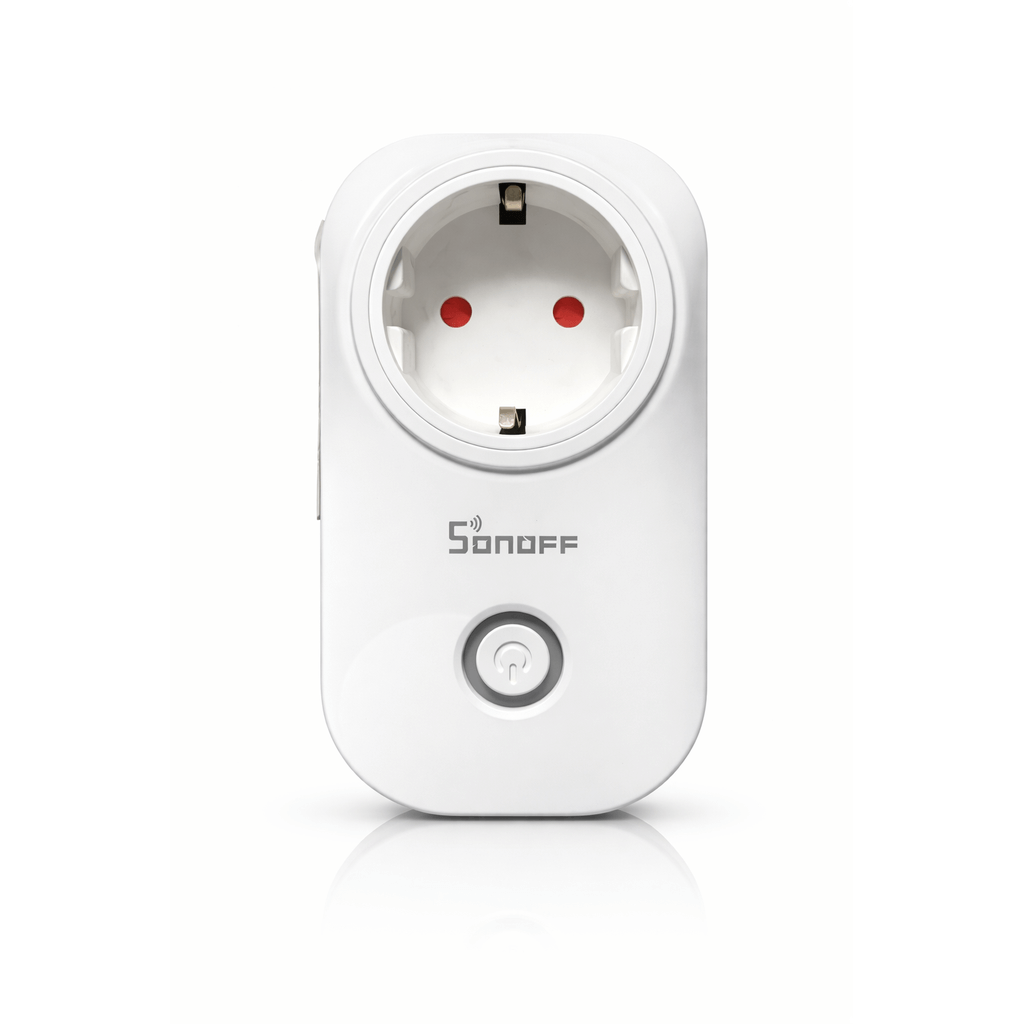
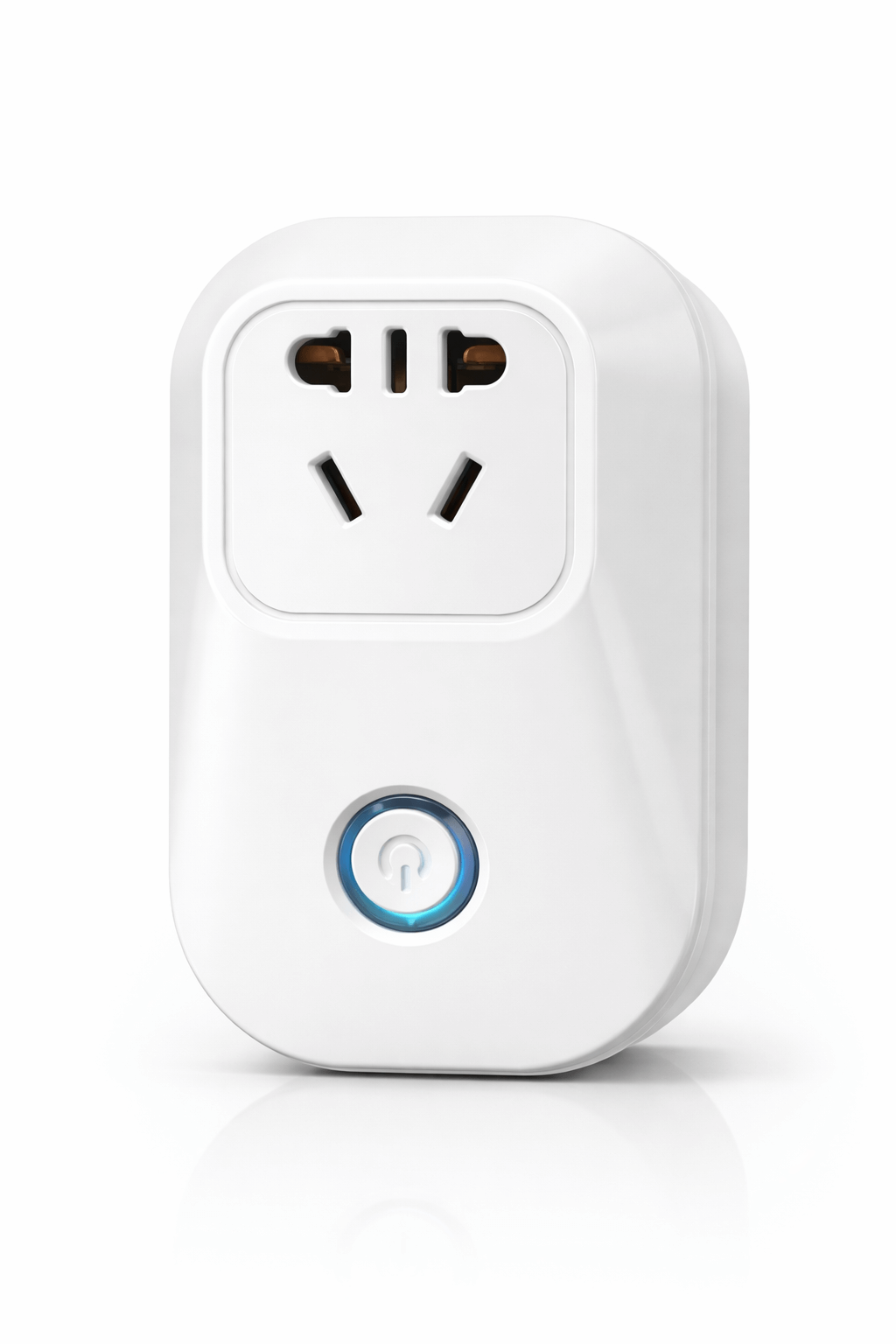
This wifi smart plug is the easiest entry point into home automation because there is no wiring at all. It sits between the wall socket and the appliance, and from that moment a lamp, heater, fan, coffee machine or charger can be switched from your phone, put on a schedule, or operated by voice.
What a wifi smart plug is best at
Timers and countdowns are where it earns its keep. A water pump that must run for twenty minutes, a heater that should warm a room before you arrive, a charger you would rather not leave on overnight, outdoor lights that follow a schedule. Because it is plug-and-play, it also moves with you, which makes it the right first purchase for anyone testing whether automation suits them before committing to fixed switches.
Key features
- Remote on and off from anywhere through eWeLink
- Schedules, countdown timers and repeat cycles
- Real-time status monitoring
- Device sharing with family members
- Alexa and Google Assistant compatible
- Fire-retardant ABS housing
- Standby draw under 0.3W
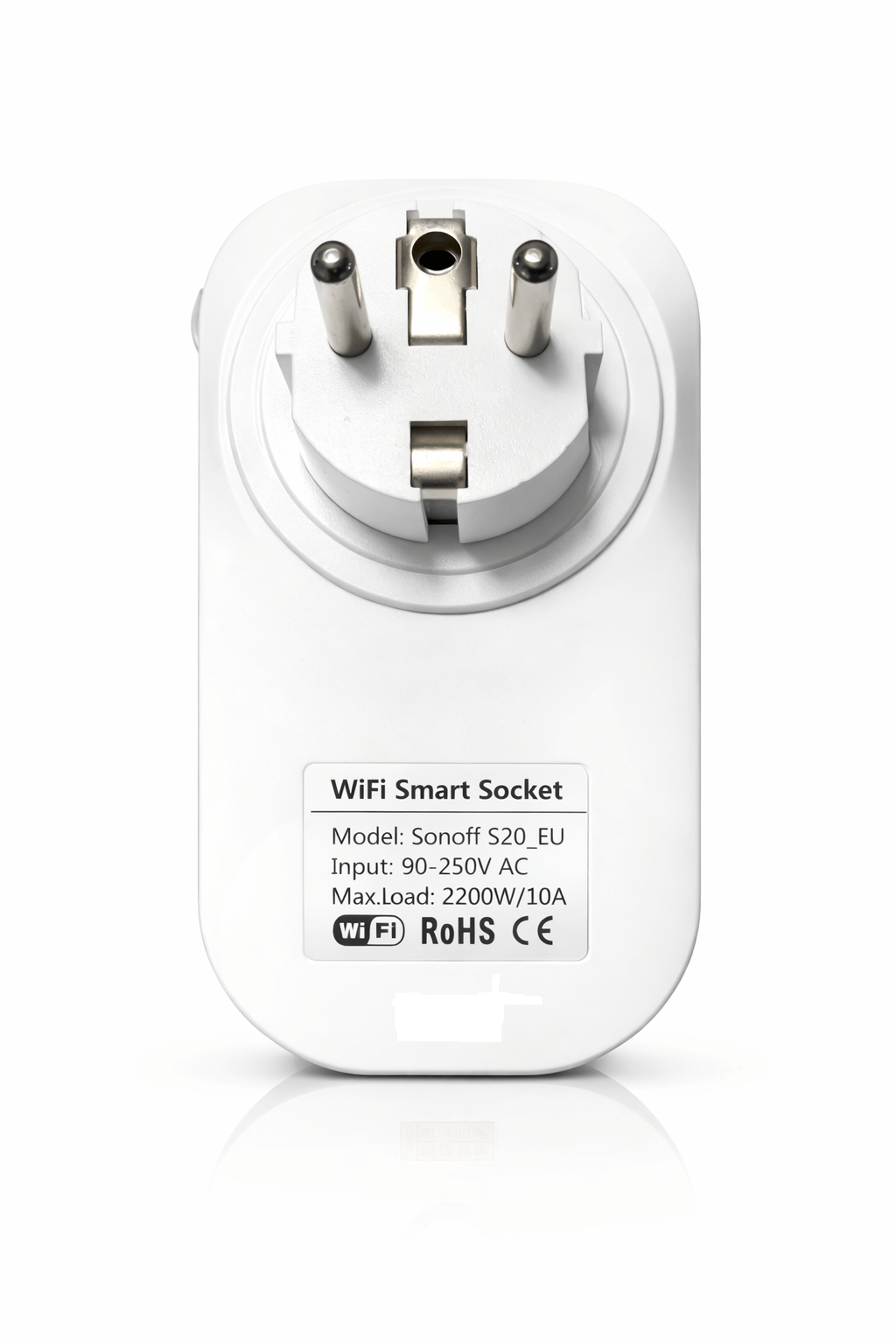
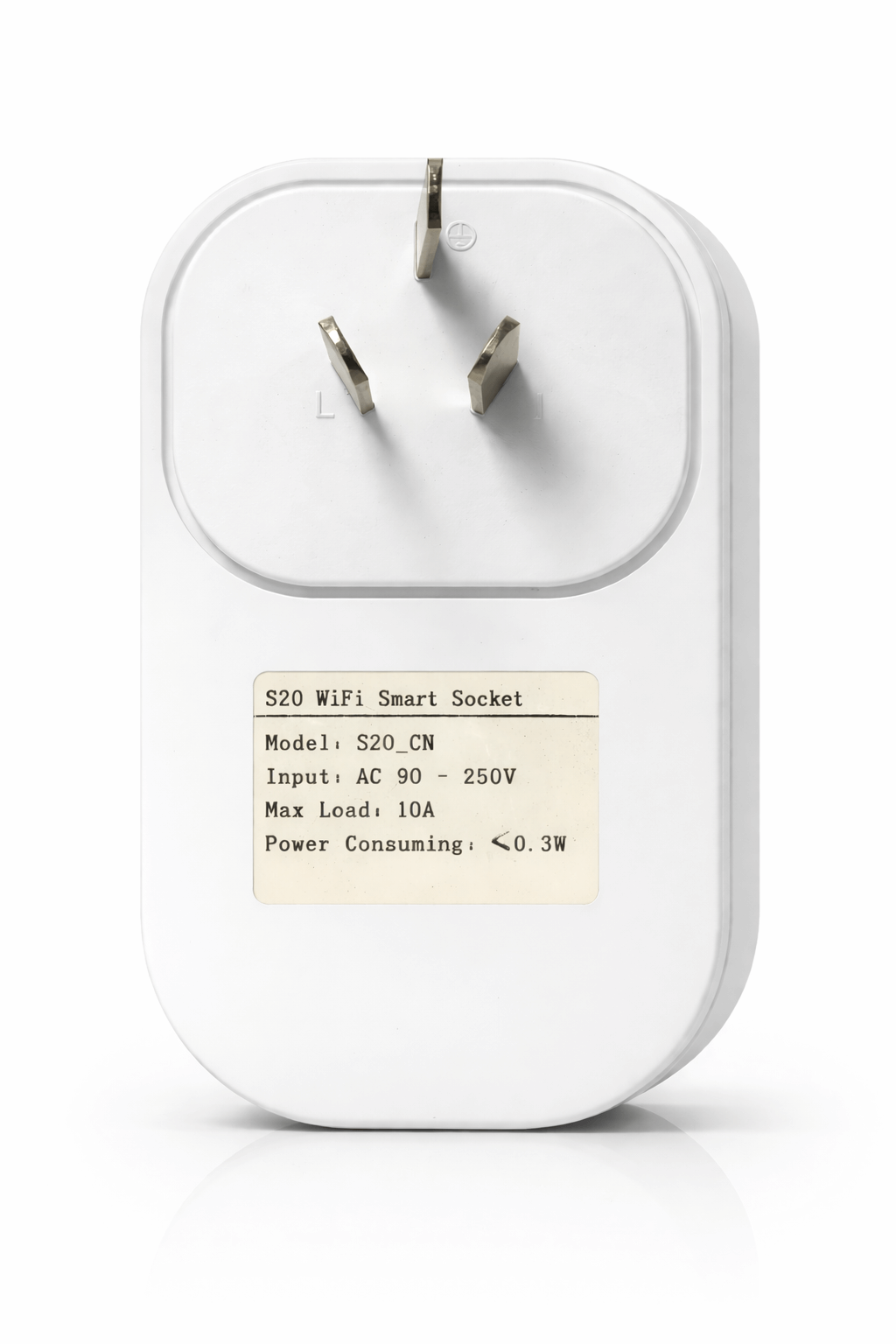
- EU (Type F, Schuko) and US (Type A/B) versions
Plug types and compatibility
Both EU and US versions are available, and plug and socket-outlet standards for household use are set out in IEC 60884-1. Choose the version matching your wall sockets. The radio is 2.4 GHz only, the band covered by ETSI EN 300 328, and it will not join a 5 GHz network, so split the bands on a dual-band router while pairing.
Load limits
Rated at 10A and 2200W resistive. That covers lamps, fans, televisions, chargers and most small appliances. It does not cover electric water heaters, air conditioners or pumps drawing more, and those belong on our 20A RF touch socket instead. Exceeding the rating on any smart socket is a fire risk, not a performance question.
Specifications
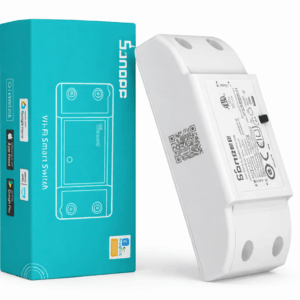
| Brand and model | Sonoff S20, EU and US versions |
| Input voltage | 90 to 250V AC |
| Maximum current | 10A |
| Maximum power | 2200W resistive |
| Wi-Fi | 2.4 GHz 802.11 b/g/n, not 5 GHz |
| App | eWeLink |
| Voice | Alexa, Google Assistant |
| Material | Fire-retardant ABS |
| Standby power | Under 0.3W |
Frequently asked questions
Does it need an electrician?
No. It plugs into an existing socket. This is the one product here that needs no installation at all.
What happens after a power cut?
It reconnects to Wi-Fi automatically. Default state on restore is configurable in the app, which matters for anything you do not want switching itself on unattended.
Can I run an air conditioner through it?
No. Stay within 10A and 2200W. Higher loads need the 20A RF touch socket.
Setting it up in five minutes
Plug the wifi smart plug into a wall socket, install eWeLink, connect the phone to the 2.4 GHz network, and add the device in the app. There is no wiring, no electrician and nothing to isolate. It is the one product in the range someone can install themselves with no electrical knowledge, which makes it the sensible way to find out whether scheduling and remote control are things you will actually use before committing to fixed switches.
What to plug into it, and what not to
Good candidates are lamps, fans, televisions, chargers, coffee machines, small heaters within the rating, and holiday lighting. Poor candidates are anything drawing near the 10A ceiling, anything that must never be switched off unexpectedly such as a fridge or a medical device, and anything on a circuit that already runs warm. A wifi smart plug should be sized with headroom rather than at its limit, and if the appliance you have in mind is an air conditioner, a water heater or a pump, it belongs on the 20A RF touch socket instead.
See all smart sockets and plugs, or read smart home automation.
Reviews
There are no reviews yet.